

Partnered with



WHY THIS GUIDE EXISTS
A Practical Beginner Workflow for Introducing 3D Printing into Daily Dentistry
Many dental clinics are interested in bringing 3D printing in-house but are unsure where to begin. The good news is that dental 3D printing is not difficult. Most clinics already perform every step required, scanning, reviewing cases, and delivering appliances. 3D printing simply connects those familiar steps into a digital workflow. Where clinics sometimes struggle is not the printer itself, but understanding the order of the process. Once the sequence becomes clear, the technology becomes predictable and easy to operate day-to-day. The safest way to learn dental 3D printing is to first understand the workflow that all printed appliances follow.
- Follow a repeatable 7-step workflow
- Apply to study models, retainers, splints, and surgical guides
- Build confidence with digital dentistry
- Start producing clinical results from day one
What Actually Changes in Your Clinic
This guide explains how clinics successfully introduce printing into everyday dentistry using a controlled and practical approach. After learning this workflow, the same process applies to many common applications including study models, retainers, splints, surgical guides, indirect bonding trays, and provisionals. The goal is simple: Help your team feel confident operating a dental 3D printer as part of routine clinical work.
Every successful clinic follows the same sequence: Scan, Prepare, Print, Clean, Cure, Check, Deliver
7 STEPS TO YOUR FIRST DENTAL PRINT
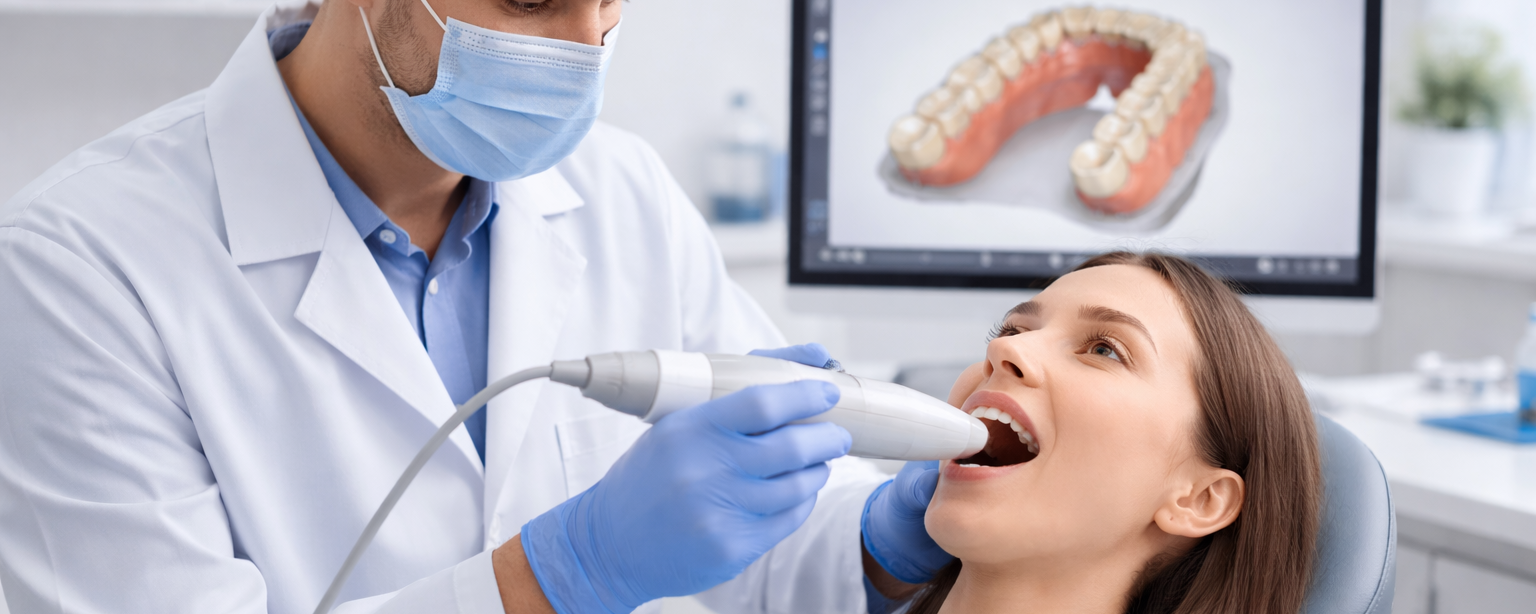
Step 1: Capture a Good Scan
Goal: obtain an accurate digital impression in STL format
The printer reproduces exactly what the scan contains. Before printing confirm: full anatomy captured, gingival margins visible, no holes in surfaces, contacts readable, bite aligned correctly if required. If the scan is inaccurate the appliance will be inaccurate. Printing cannot fix scan errors. Export the scan as an STL file.
Step 2: Prepare the Model (Dental CAD Software)
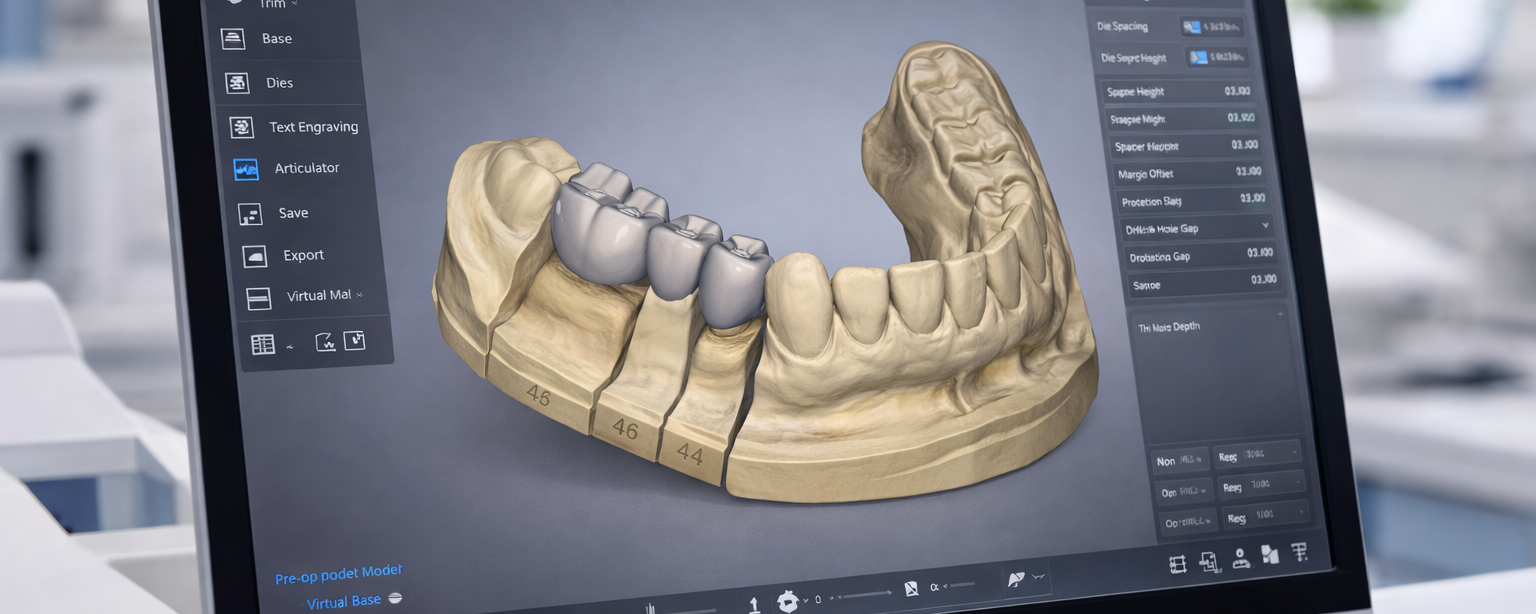
Goal: create a printable working model from the scan
You are not printing the raw scan. You need to create a printable working model. Common dental software includes 3Shape, Exocad, Medit, and BlueSkyPlan. What to do to the scan: Clean it to remove artifacts and fill small holes. Create a base for stability during printing and post-processing. Trim soft tissue to improve accuracy and usability. Adjust undercuts if required to prevent appliance locking or deformation. Label the model to add traceability and prevent mix-ups. Export the finished model as an STL.
Step 3: Prepare the Print
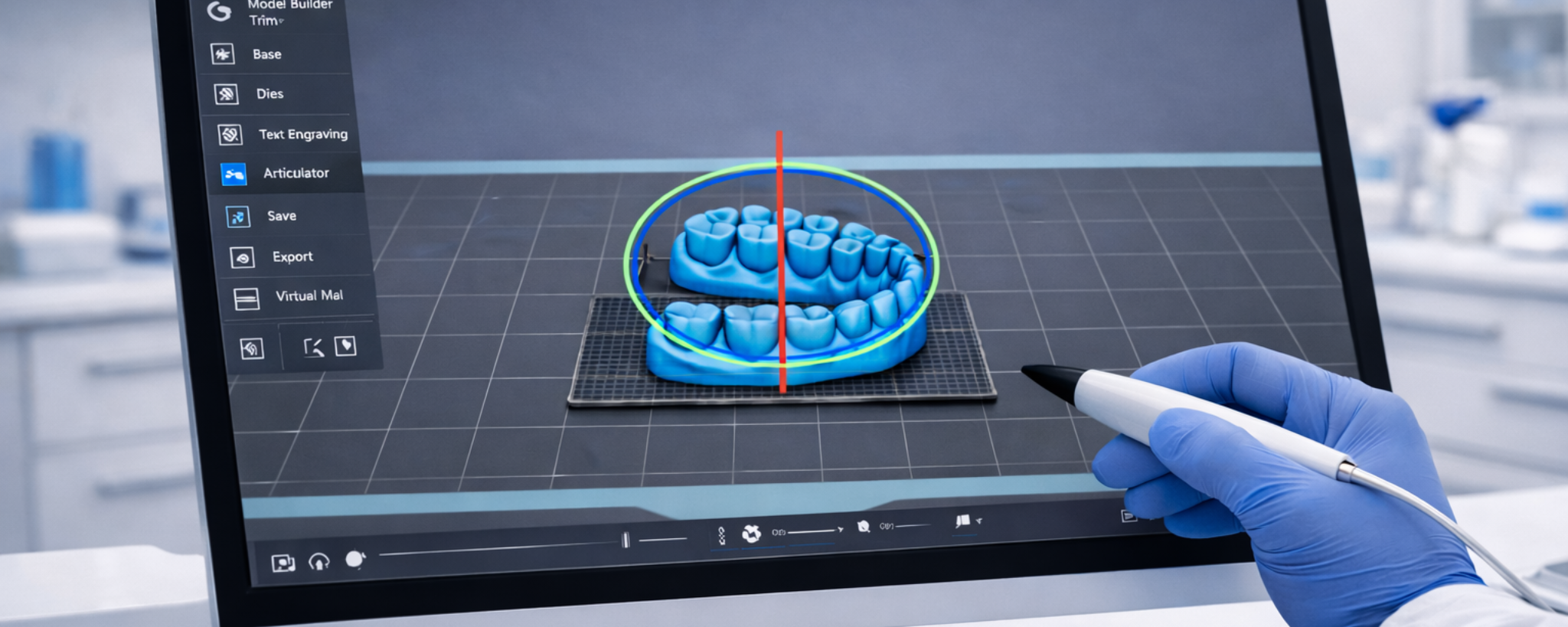
Goal: configure the slicer software correctly before printing
Open the model in the printer software (slicer). Place the model on the print plate, add more than one model if required, and set printer settings according to the resin you are using. Beginner setup rules: print models flat on the platform, avoid supports on critical surfaces, use validated dental materials, use default manufacturer settings first. Do not optimise yet. Consistency first, optimisation later.
Step 4: Print the Model
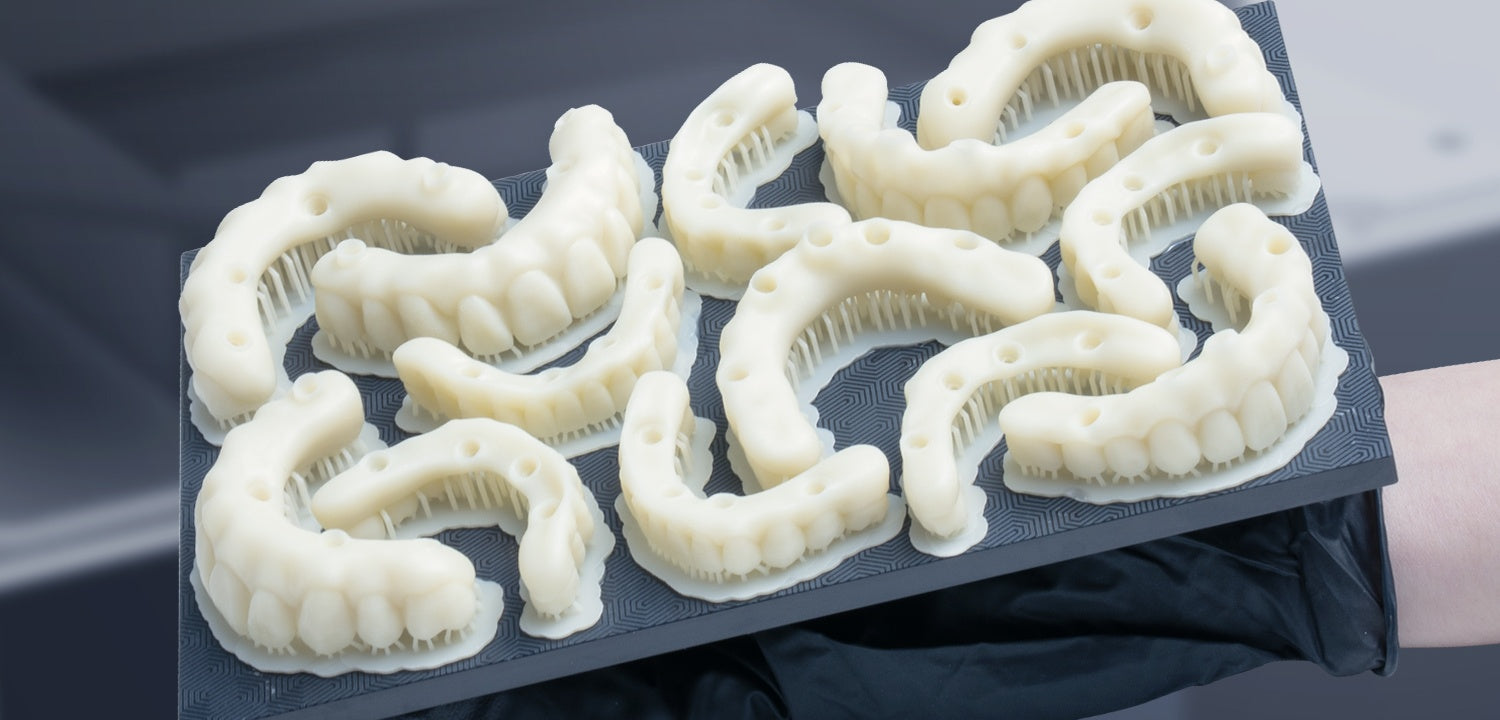
Goal: run the print correctly and confirm first layers attach
Shake the resin bottle. Fill the resin vat. Start the print. Check that first layers are attached correctly. Typical print time is 20 to 60 minutes. You do not need to monitor the entire print.
Step 5: Wash the Model
Goal: remove all uncured resin from the surface
Cleaning affects accuracy more than printing and will affect the final outcome of the printed model. Our recommended process: First wash removes most resin. Use a separate container that holds a dirty wash to remove the bulk of excess resin. Second wash cleans the surface of the model and is typically carried out in a wash station unit. Total time: 3 to 6 minutes.
Step 6: Cure the Model
Goal: fully harden and stabilise the printed model
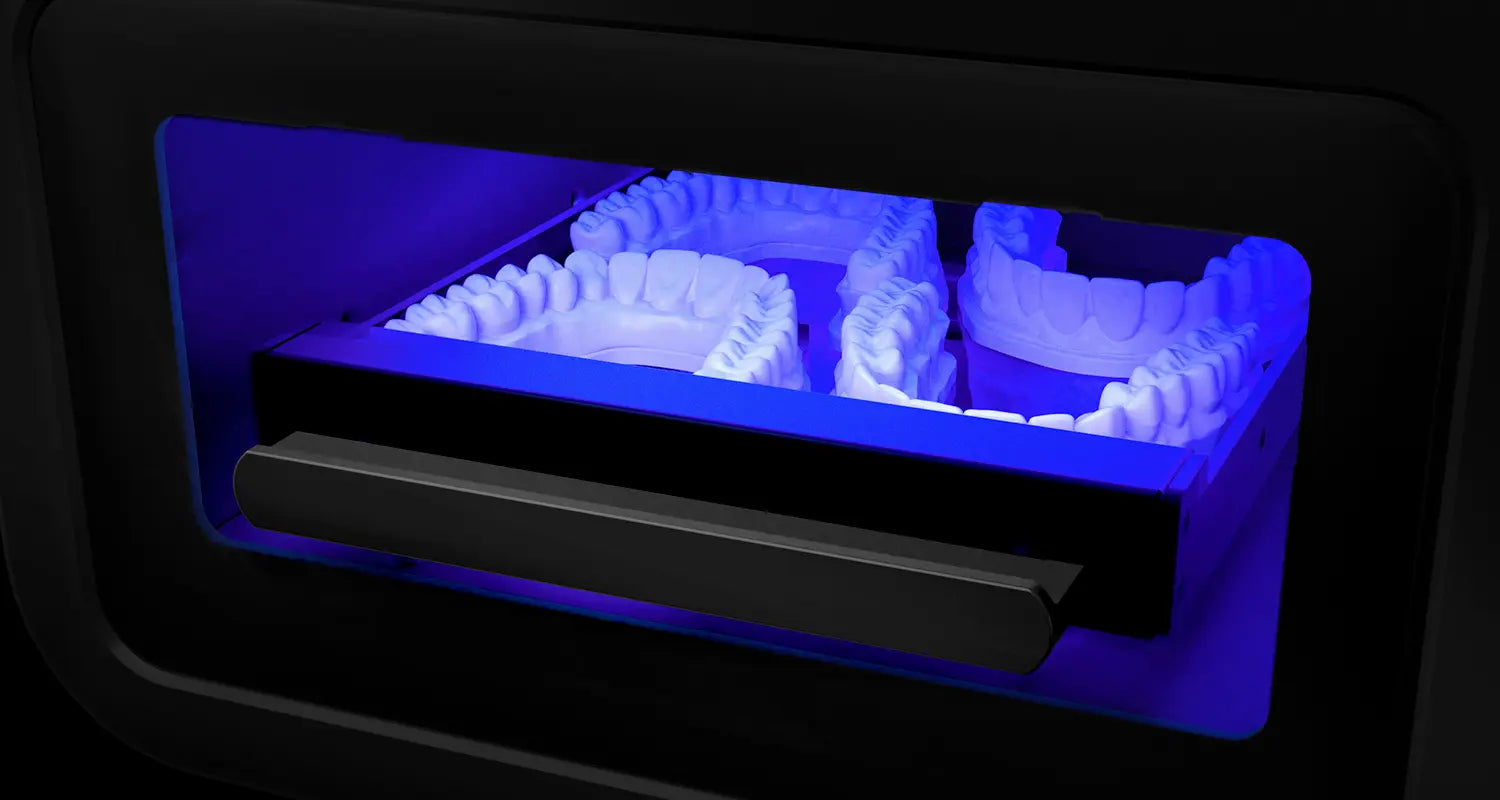
Curing hardens the model and stabilises its shape. Even after washing, tiny particles of uncured resin may remain. If left uncured the model will suffer damage and is not fully ready for use. Follow your resin instructions exactly as cure time requirements vary between materials.
Step 7: Inspect Before Use
Goal: confirm the model meets clinical quality standards
Check the model for: matte surface (not shiny), no sticky resin, critical anatomy visible, no warping. If it looks glossy it is not fully cured.
WORKFLOW SUMMARY
The Complete Dental 3D Printing Workflow
Step by Step
- Step 1: Capture a Good Scan
- Step 2: Prepare the Model
- Step 3: Prepare the Print
- Step 4: Print the Model
- Step 5: Wash the Model
- Step 6: Cure the Model
- Step 7: Inspect Before Use
What to Remember
- Scan quality determines print accuracy
- Use validated dental materials only
- Print models flat on the build platform
- Always do a two-stage wash
- Follow resin cure time instructions exactly
- Check for matte surface before use
- Consistency first, optimisation later
GET STARTED
Ready to Start 3D Printing in Your Clinic?
3D Cast supplies the complete workflow. Printers, resins, wash stations and curing units from Australian stock with same-day dispatch and expert support.
Understand the Full Phrozen Dental Ecosystem
Successful dental 3D printing depends on more than hardware alone. Resin compatibility, post-curing validation, and workflow stability all play a role in predictable clinical outcomes.
If you would like a broader overview of Phrozen's dental materials, validated workflows, and application suitability for clinics and labs, you can explore our dedicated information page below.
Partnered with
Frequently Asked Questions
Is dental 3D printing difficult to learn?
Is dental 3D printing difficult to learn?
No. Most clinics already perform the individual steps. 3D printing simply connects scanning, design and fabrication into one repeatable workflow.
How long does a dental 3D print take?
How long does a dental 3D print take?
Most dental models print in 20 to 60 minutes, followed by washing and curing.
Do I need special training to start dental 3D printing?
Do I need special training to start dental 3D printing?
No. Clinics can successfully start by following a structured workflow and validated materials.
What is the first application clinics should start with?
What is the first application clinics should start with?
Many clinics begin with printed models before expanding into splints, guides and other appliances.